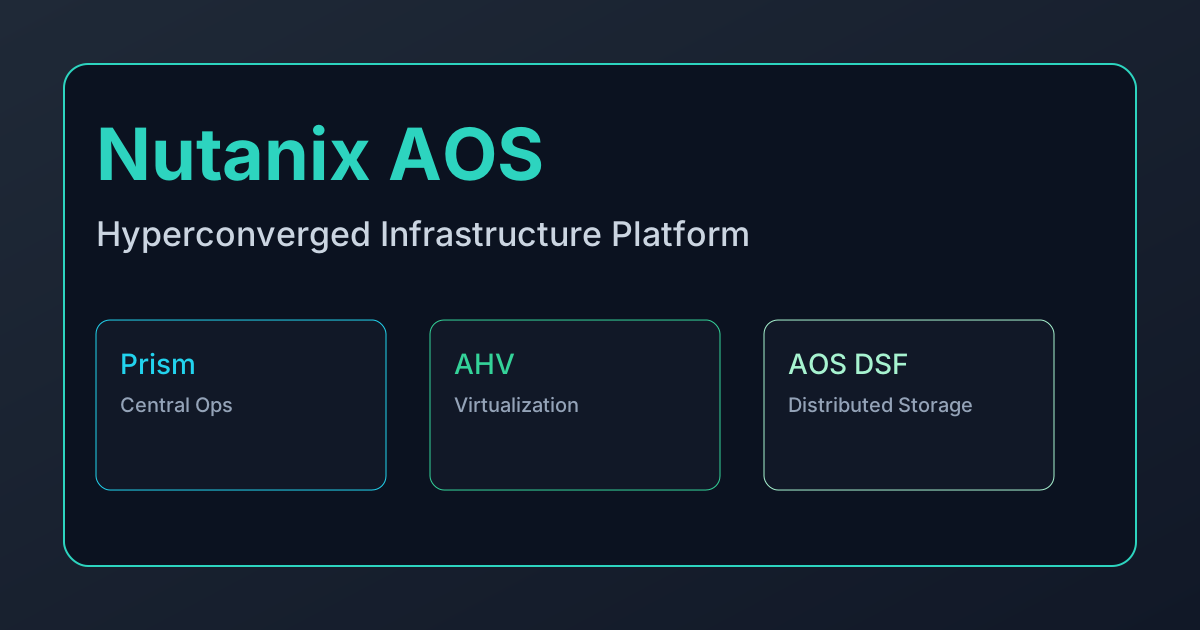
Nutanix AOS
Nutanix AOS (Acropolis Operating System) is one of the most mature hyperconverged infrastructure (HCI) platforms in enterprise IT. It combines a distributed storage fabric, virtualization layer (AHV), and centralized management (Prism) into a single operational model intended to reduce complexity compared with traditional three-tier datacenter stacks.
Nutanix is often selected by organizations that want VMware-like enterprise maturity with lower day-2 operational burden than a full DIY stack such as OpenStack.
Platform Architecture
Core Components
| Component | Function |
|---|---|
| AOS | Distributed storage and data services layer |
| AHV | KVM-based hypervisor managed by Nutanix |
| Prism Element | Per-cluster management plane |
| Prism Central | Multi-cluster and fleet-level operations |
| Flow / Files / Objects | Optional networking and storage service extensions |
Each node in a Nutanix cluster contributes compute and storage resources, and the platform aggregates them into a scale-out pool. This architecture avoids dedicated SAN arrays and is one of the core reasons organizations choose Nutanix.
Distributed Storage Fabric (DSF)
Nutanix DSF provides:
- Scale-out storage with data locality optimization (prefers serving data from the node where the VM runs).
- Resiliency policies using replication factor and erasure coding.
- Inline data efficiency features including dedupe and compression.
- Snapshots and replication for DR and backup workflows.
In most production deployments, DSF operates with RF2 or RF3 depending on failure tolerance requirements.
Hypervisor Strategy: AHV
AHV is Nutanix’s default hypervisor and is based on KVM. Key implications:
- No separate hypervisor license line item for most AOS deployments.
- Tight integration with Prism for lifecycle and policy management.
- Common enterprise workloads (Windows, Linux, VDI, middleware) are fully supported.
Organizations can also run Nutanix with ESXi in some scenarios, but long-term platform simplification generally favors AHV standardization.
Operational Model
Prism Management Plane
Prism is a major differentiator for Nutanix, especially compared with multi-product management stacks.
| Prism Capability | Operational Benefit |
|---|---|
| One-click lifecycle upgrades | Coordinated firmware + software updates with reduced maintenance windows |
| Capacity and performance analytics | Better forecasting for cluster growth and hotspot remediation |
| Policy-based VM placement | Simplifies affinity/anti-affinity strategy |
| Health dashboards and alerts | Faster triage and reduced MTTR |
Prism Central adds global governance across multiple clusters and sites, making it viable for distributed enterprise footprints.
Automation and API
Nutanix provides REST APIs and Terraform support, though operational depth varies by module. Compared with API-first platforms, Nutanix remains somewhat UI-led, but automation maturity has improved substantially in recent releases.
Performance and Sizing Guidance
Typical Cluster Baselines
| Cluster Type | Node Count | Typical Workloads |
|---|---|---|
| Entry production | 4-6 nodes | Core enterprise apps, small VDI pods |
| Mid-scale | 8-16 nodes | Mixed application estates, DB + app tiers |
| Large enterprise | 16+ nodes/site | Multi-tenant internal IT, high-density virtualization |
Design Considerations
- Storage profile first: read/write mix, random vs sequential, and IOPS density strongly influence node selection.
- NUMA awareness for latency-sensitive VMs: right-size vCPU/memory to avoid noisy-neighbor effects.
- 10/25/100GbE planning: network oversubscription can undermine DSF performance even with fast NVMe.
- Growth model: Nutanix scales linearly by adding nodes, but capacity and compute are coupled unless using specialized node profiles.
Security and Governance
Nutanix enterprise deployments commonly implement:
- Directory federation (AD/LDAP/SAML) with role-based access controls.
- Encryption at rest for storage data plus key management integration.
- Microsegmentation using Nutanix Flow for east-west traffic control.
- Audit logging for administrative and policy events.
For regulated environments, governance should include hardened configuration baselines, quarterly access reviews, and tested incident response playbooks.
Cost and Licensing Reality
Nutanix is usually less expensive to operate than full VMware Cloud Foundation stacks in post-Broadcom renewals, but it is not a low-cost platform.
Cost factors include:
- Node-based subscription tiers
- Optional module licensing (Flow, Files, Objects, advanced analytics)
- Hardware profile choices (NVMe-heavy nodes can raise acquisition costs)
- Support tier and SLA requirements
A fair evaluation should compare 3-year TCO, not just license line items:
$$ ext{TCO}_{3y} = \text{Platform Subscription} + \text{Hardware} + \text{Support} + \text{Ops Labor} + \text{Backup/DR Tooling} $$
Where Nutanix Fits Best
Nutanix is a strong fit when:
- You want an HCI-first private cloud platform with mature enterprise operations.
- Your team values simplified lifecycle management over maximum architecture flexibility.
- You are reducing VMware footprint but still require high operational polish.
Nutanix is a weaker fit when:
- You need deeply customizable cloud-native control planes.
- Your strategy requires highly decoupled compute and storage scaling from day one.
- You want open-source-first economics and can absorb higher engineering complexity.
Migration Considerations
VMware to Nutanix (Common Path)
- Inventory and classify workloads by migration complexity.
- Pilot migration for non-critical app tiers.
- Standardize AHV image templates and network segmentation patterns.
- Migrate production in domain-based waves with rollback windows.
Operational Risk Controls
- Define explicit RTO/RPO targets per application tier.
- Run dual monitoring during transition (source and target).
- Validate backup restore paths before each migration wave.
Related Resources
-
Scale-out HCI: Nodes can be added with minimal disruption.
-
AHV built-in hypervisor: Reduces licensing complexity.
-
Prism management interface: Single pane for infrastructure and workload management.
Typical uses
- Private cloud for VDI and business applications
- Greenfield modern data centers
- Consolidation of legacy infrastructure
Deployment considerations
- Evaluate storage performance and network design for mixed workloads.
- Integrate with existing identity stores (AD/LDAP) for RBAC.